Updating Licenses#
DatalaiQ licenses are valid for a limited period of time. You will be notified in the DatalaiQ GUI when your license is about to expire.
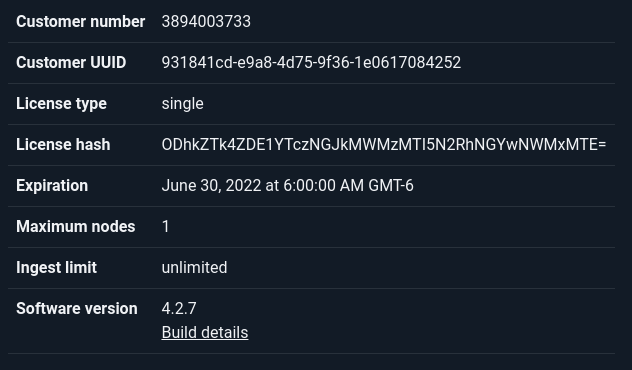
Once you have your new license file, simply select the ‘License’ page from the Administrator section of the DatalaiQ menu and upload your new license:
You can also deploy your new license by renaming the file to /opt/gravwell/etc/license on the webserver node and restarting your DatalaiQ processes. This will push the new license out to the indexers.